
Art Maslow
Founder of Foxtery


Most L&D professionals spend weeks building training courses that employees complete in hours.
Bad news: it's a bottleneck. Good news: there are tools that speed the course creation up and make the training process more interactive.
This article evaluates 10 authoring tools that matter in 2026 and describes each one based on AI-powered content generation, microlearning optimization, seamless LMS integration, and rapid deployment capabilities.
Why half of L&D teams can't find time to build training
Training hours per employee dropped 21% in one year: from 17.4 to 13.7 hours. That creates a gap: fewer hours to deliver, more content to produce, same-sized teams. Half of learning leaders report that high workloads leave no room for training development, even when training is urgently needed.
When L&D teams face this reality, they choose between reducing training quality or adopting faster creation methods. 42% of companies now using rapid authoring tools chose speed. These platforms compress traditional development workflows such as storyboarding, scripting, design, development, review cycles into template-driven processes. And that turn messy materials into deployable courses in hours.
Traditional course development cycle takes 80-120 hours for a 1-hour course. Rapid authoring tools reduce that to 8-15 hours. For an L&D team building 10 courses annually, that's 700-1,120 hours saved: the equivalent of adding a full-time instructional designer without expanding headcount.
In our article, we prioritize tools that deliver that speed without sacrificing the quality of the training programs.
How we evaluated 47 authoring tools to find TOP 10
The evaluation framework used 5 criteria weighted by their impact on L&D outcomes:
development speed,
AI feature depth,
microlearning optimization,
LMS integration,
pricing transparency.
Tools excluded from consideration had legacy desktop-only software that requires local installation, platforms demanding coding skills for basic customization, and products without significant updates in the past 12 months.
Testing involved hands-on trials of each platform's free or trial version. Also, we analused customer reviews across G2, Capterra, and TrustRadius.
Result: 10 tools that balance speed, capability, and practical deployment requirements for corporate L&D teams working under time and budget constraints.
10 best eLearning authoring tools for corporate training
We'd like to remind that each tool profile follows a consistent evaluation structure: primary use case, core capabilities, AI integration depth, microlearning support, LMS compatibility, pricing model, and practical limitations.
1. Foxtery
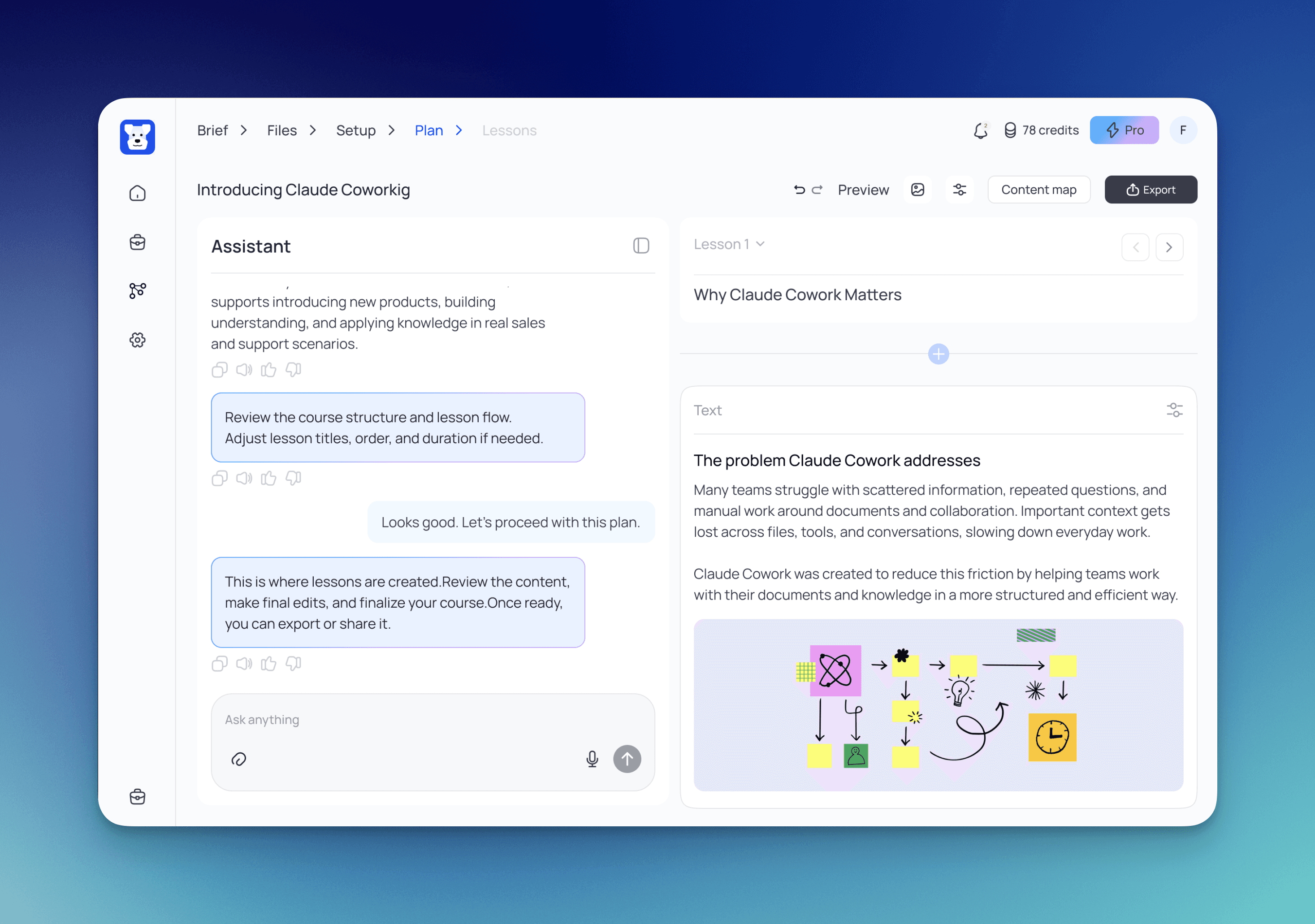
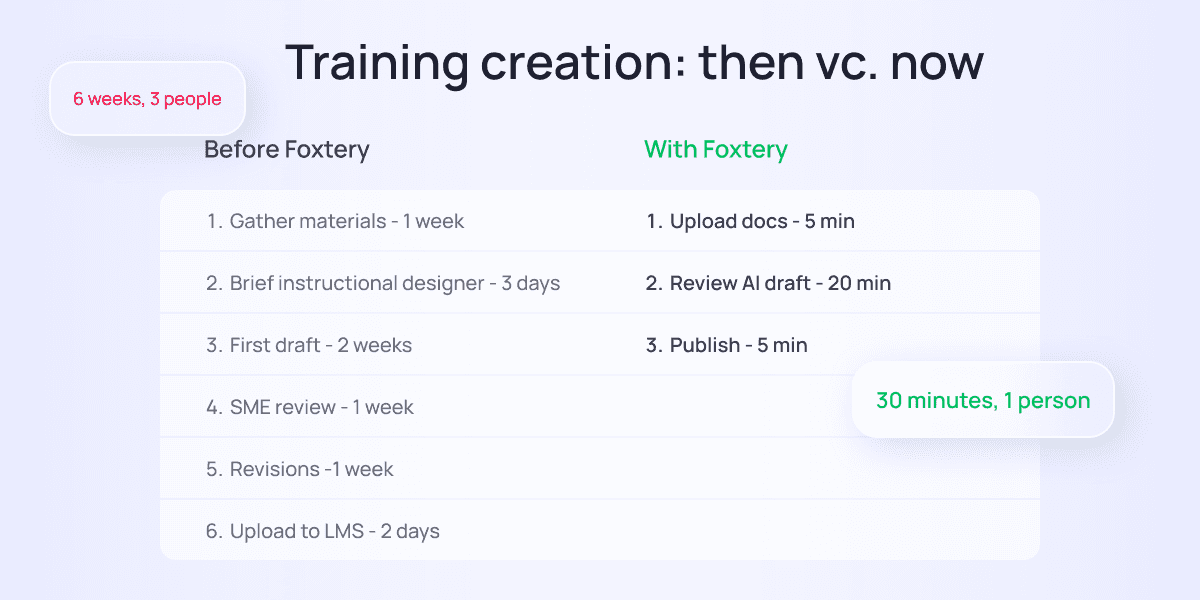
Foxtery is an AI-driven course builder that allows L&D teams to deploy employee training programs in 30 minutes using AI-assisted content templates and automated LMS integration. The platform addresses the core time constraint affecting 50% of learning leaders by eliminating traditional development bottlenecks.
AI-powered content generation that converts messy input into structured course scripts,
pre-built templates optimized for common training scenarios (onboarding, compliance, product knowledge, soft skills),
automated LMS synchronization that pushes courses directly to existing platforms.
Foxtery scales from 10-employee startups to 10,000-employee enterprises without performance degradation.
The system suggests course structures based on learning objectives, generates assessment questions, and provides translation support for global teams.
Microlearning support includes mobile-responsive templates that render correctly on smartphones and tablets, modular lesson architecture that allows learners to complete 5-10 minute segments, and offline access for field employees without reliable connectivity.
LMS integration supports SCORM 1.2/2004 and xAPI standards, with native connectors for Workday Learning, Cornerstone OnDemand, SAP SuccessFactors, and Moodle.
Pricing: free, paid plan starts from €86/month.
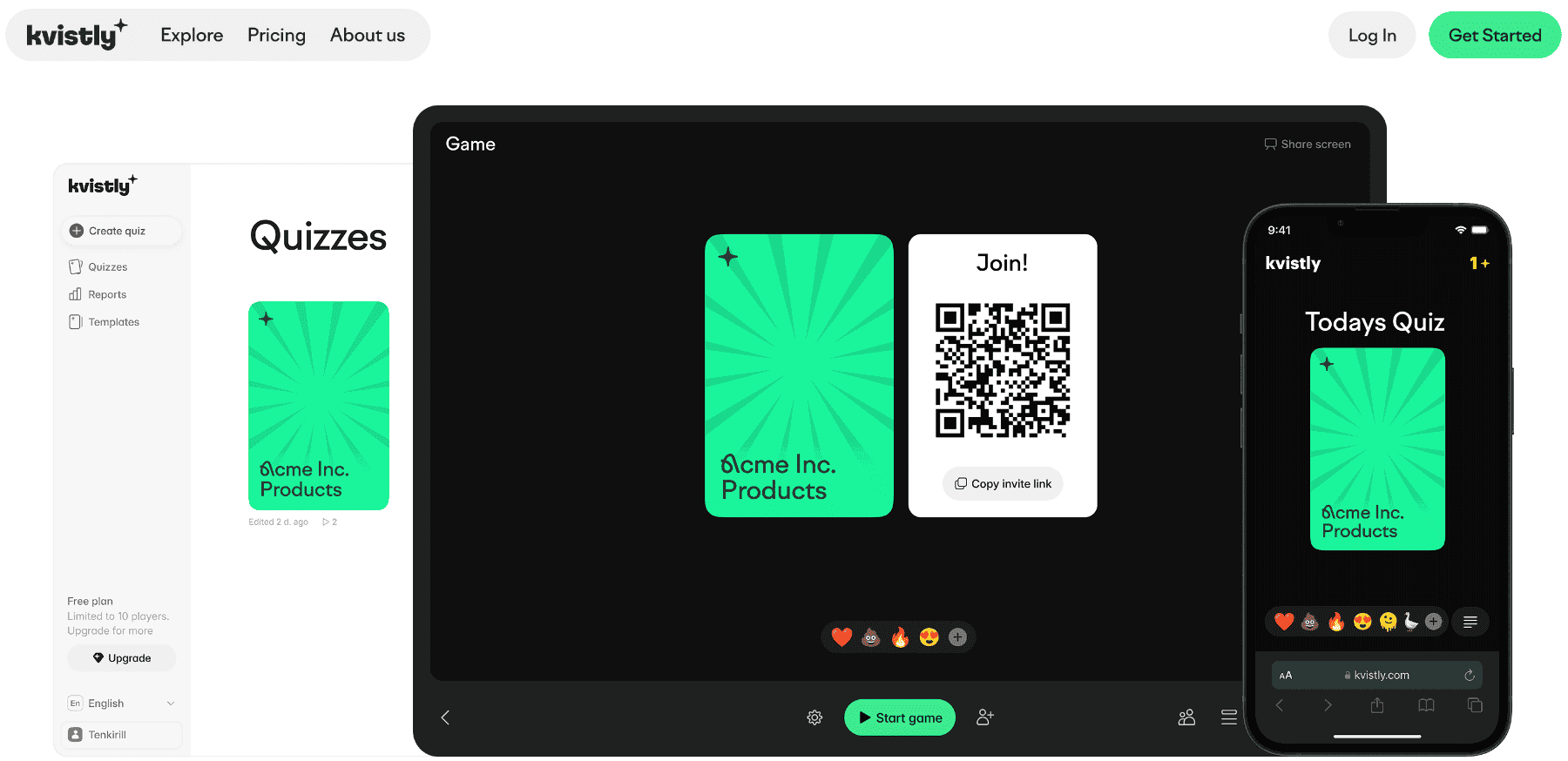
Kvistly is an AI-powered engagement platform that turns surveys and training into interactive experiences through quizzes, polls, and live feedback sessions. The feature that stands out is its AI quiz generator. Just describe what you need and Kvistly builds the assessment for you, then analyzes responses in real time to surface team sentiment, knowledge gaps, and engagement levels across your organization.
This tool is a practical fit for onboarding new hires, running training sessions, doing quick pulse checks, and keeping remote and hybrid teams connected.
The analytics dashboard shows what's working and what's not, so HR teams can adjust their approach without waiting for a quarterly review cycle.
Key features:
AI-powered quiz and poll creation,
real-time analytics and engagement tracking,
templates for onboarding, training, and feedback,
remote and hybrid team support.
Pricing: free plan available (10 players, 3 quizzes); paid plans from €37/month.
3. Articulate 360
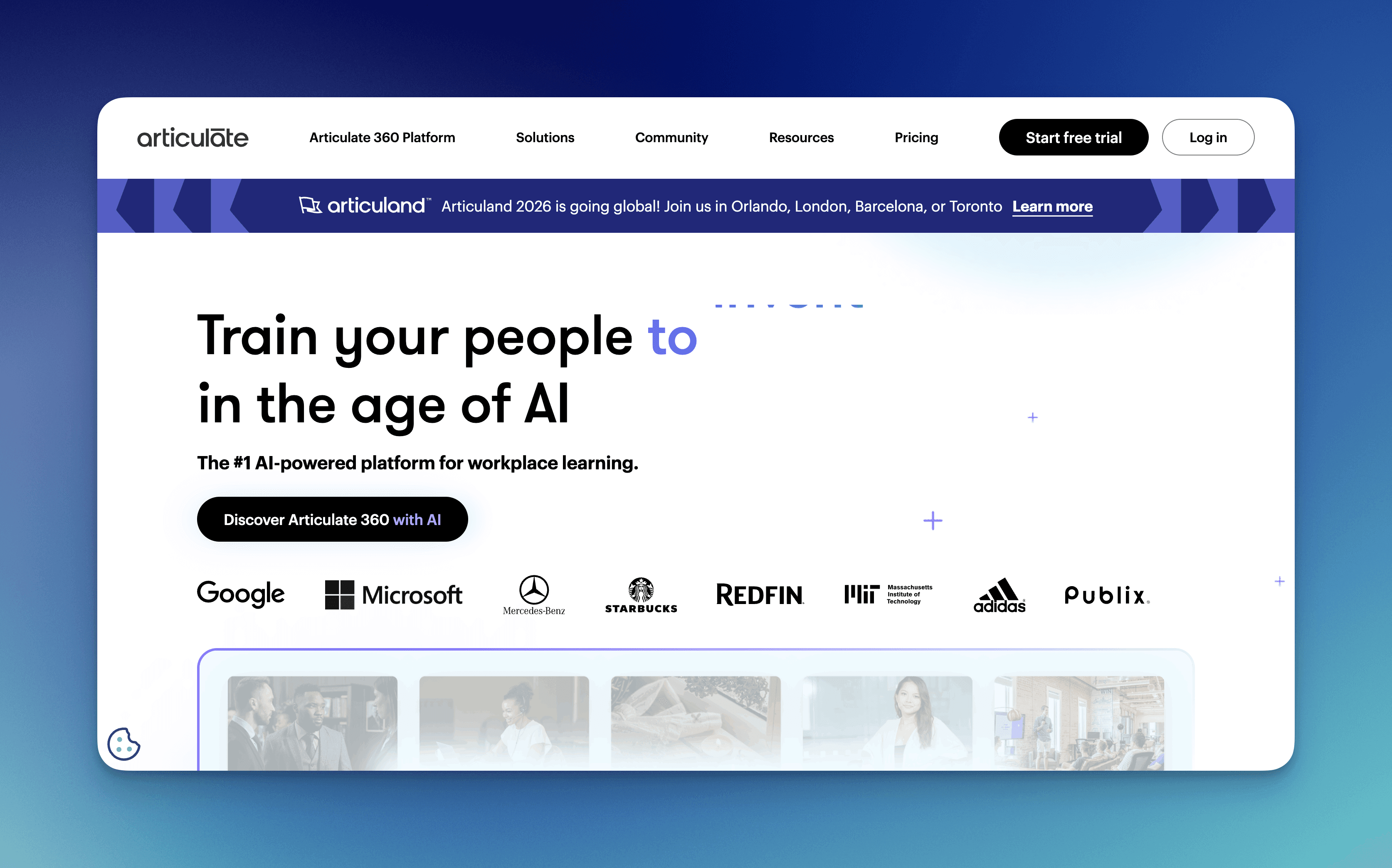
Articulate 360 is a suite of authoring applications that provides desktop and web-based tools for creating interactive courses, with Storyline 360 for advanced interactions and Rise 360 for fast responsive development.
Key features:
slide-based authoring with trigger-based interactivity,
Rise's block-based responsive design,
content library with 10+ million stock assets,
Review 360 for stakeholder feedback,
smart translation across 70+ languages,
AI-assisted alt text generation for accessibility compliance,
microlearning support.
LMS integration covers SCORM 1.2/2004, AICC, xAPI, and cmi5 standards.
Pricing: $1,299/user/year for the full suite
4. Adobe Captivate
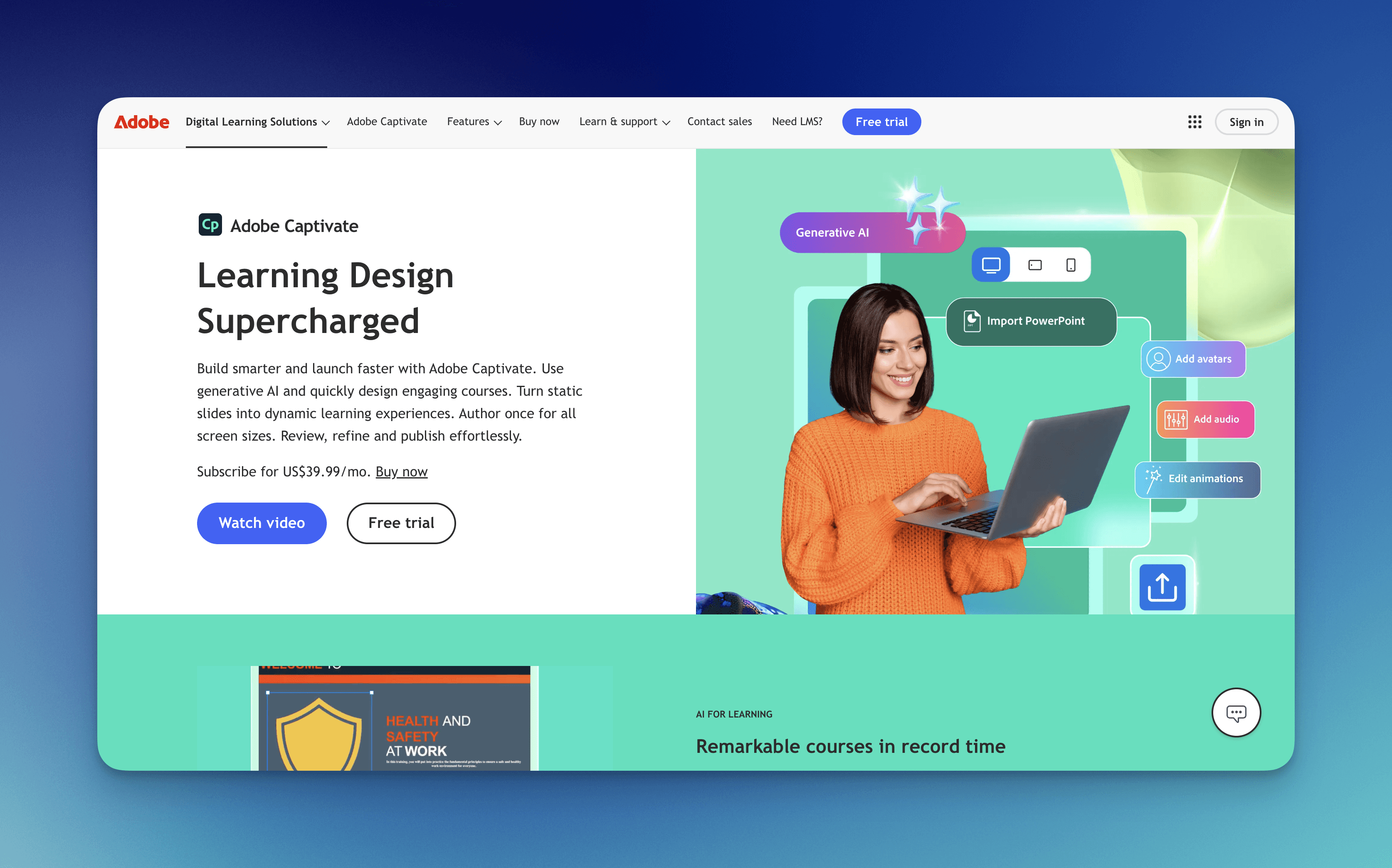
Adobe Captivate is a desktop authoring tool optimized for software demonstrations and simulations, with screen recording capabilities and automatic step capture.
Organizations training employees on enterprise applications (CRM, ERP, custom software) use Captivate for hands-on practice environments.
Key features:
responsive design with automatic device preview,
virtual reality project support,
advanced quiz engine with branching logic,
fluid boxes for flexible layouts,
microlearning support.
AI features are limited compared to newer platforms—primarily auto-generated captions and basic content suggestions.
LMS integration supports SCORM 1.2/2004 and xAPI.
Pricing:
$1,299 one-time purchase plus 20% annual maintenance,
$33.99/month subscription.
5. iSpring Suite
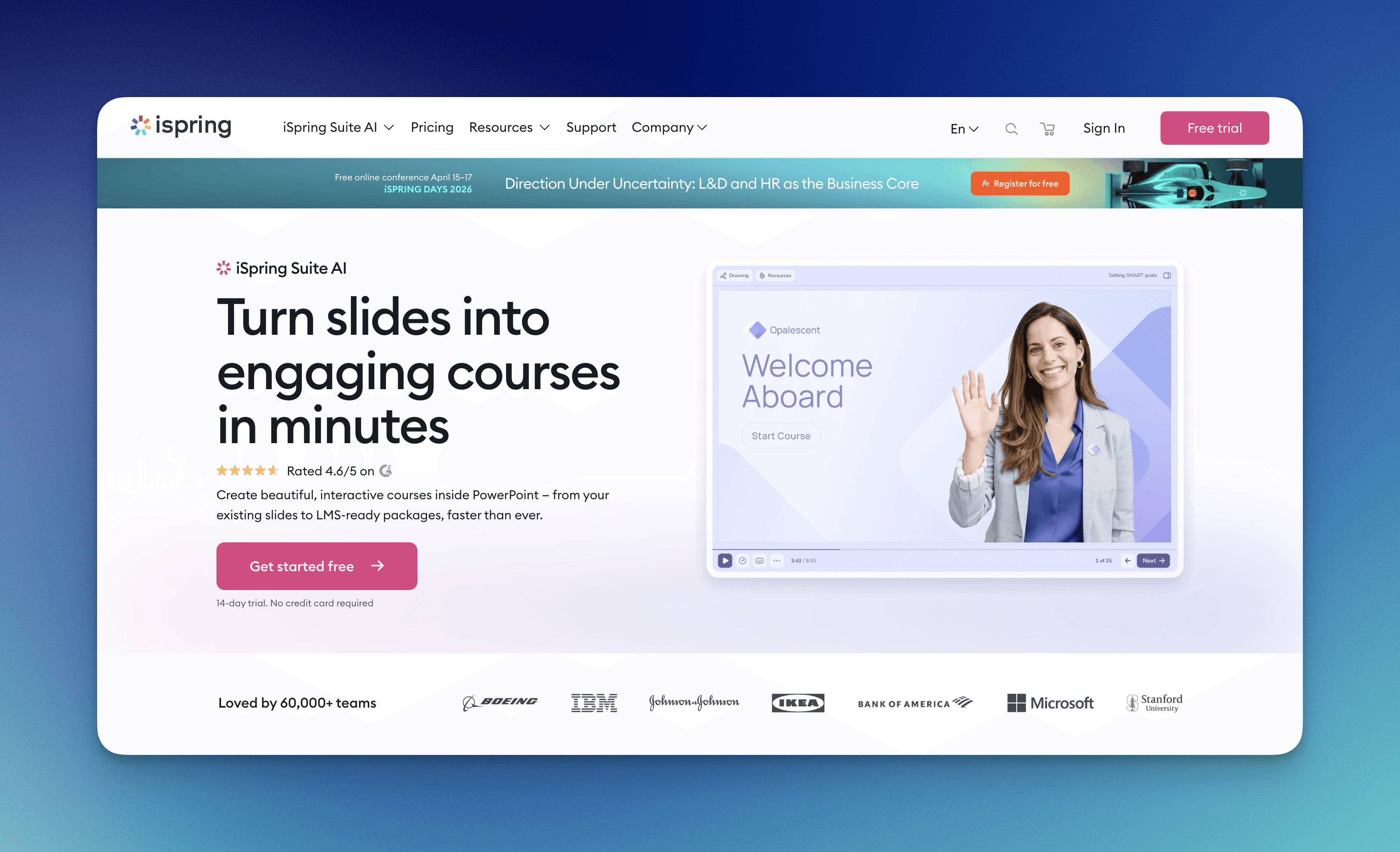
iSpring Suite is a PowerPoint plugin that converts existing presentations into interactive eLearning courses. This tool helps teams comfortable with PowerPoint who need faster deployment without learning new interfaces.
Key features:
one-click conversion of slides to courses,
built-in quiz maker with 14 question types,
video and screencast recording,
dialogue simulations for soft skills training,
microlearning support (mobile-friendly output).
AI capabilities are minimal. Platform focuses on manual authoring speed rather than automated content generation.
LMS integration covers SCORM 1.2/2004, AICC, xAPI, and cmi5.
Pricing: starts at $770/user/year.
6. Lectora
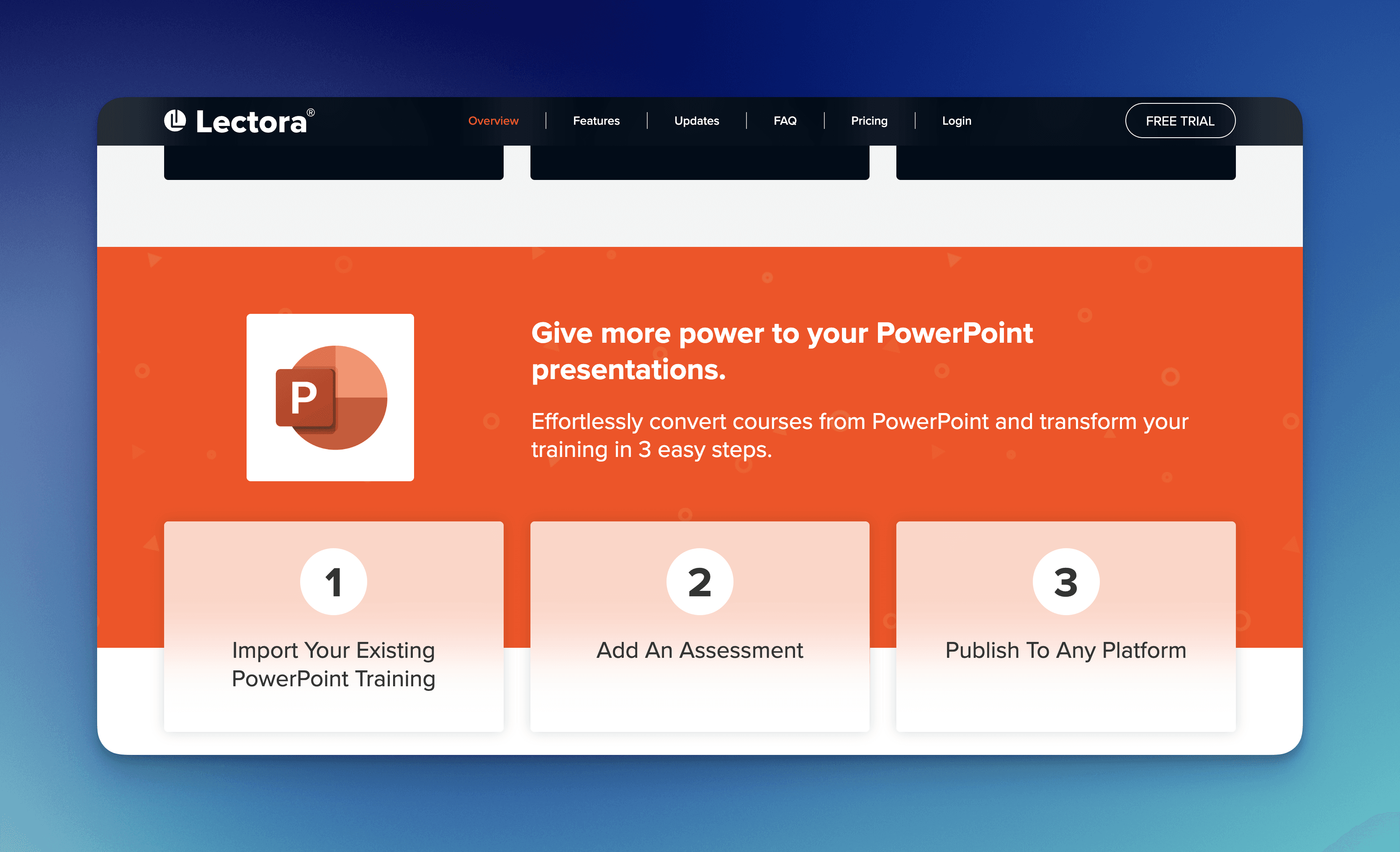
Lectora is a desktop and cloud authoring platform that emphasized accessibility standards (WCAG 2.1 AA/AAA, Section 508). This tool makes it the default choice for government agencies and organizations with strict compliance requirements. The platform makes sure the courses meet legal accessibility mandates without post-production remediation.
Key features:
built-in accessibility checker,
responsive design with automatic device adaptation,
advanced branching and variables for personalized learning paths,
seamless translation workflow,
automated alt text suggestions,
content structure recommendations,
microlearning support (short-form content).
LMS integration supports all major standards.
Pricing: $2,099/user/year for the desktop version or $1,599/user/year for cloud-only.
7. Gomo
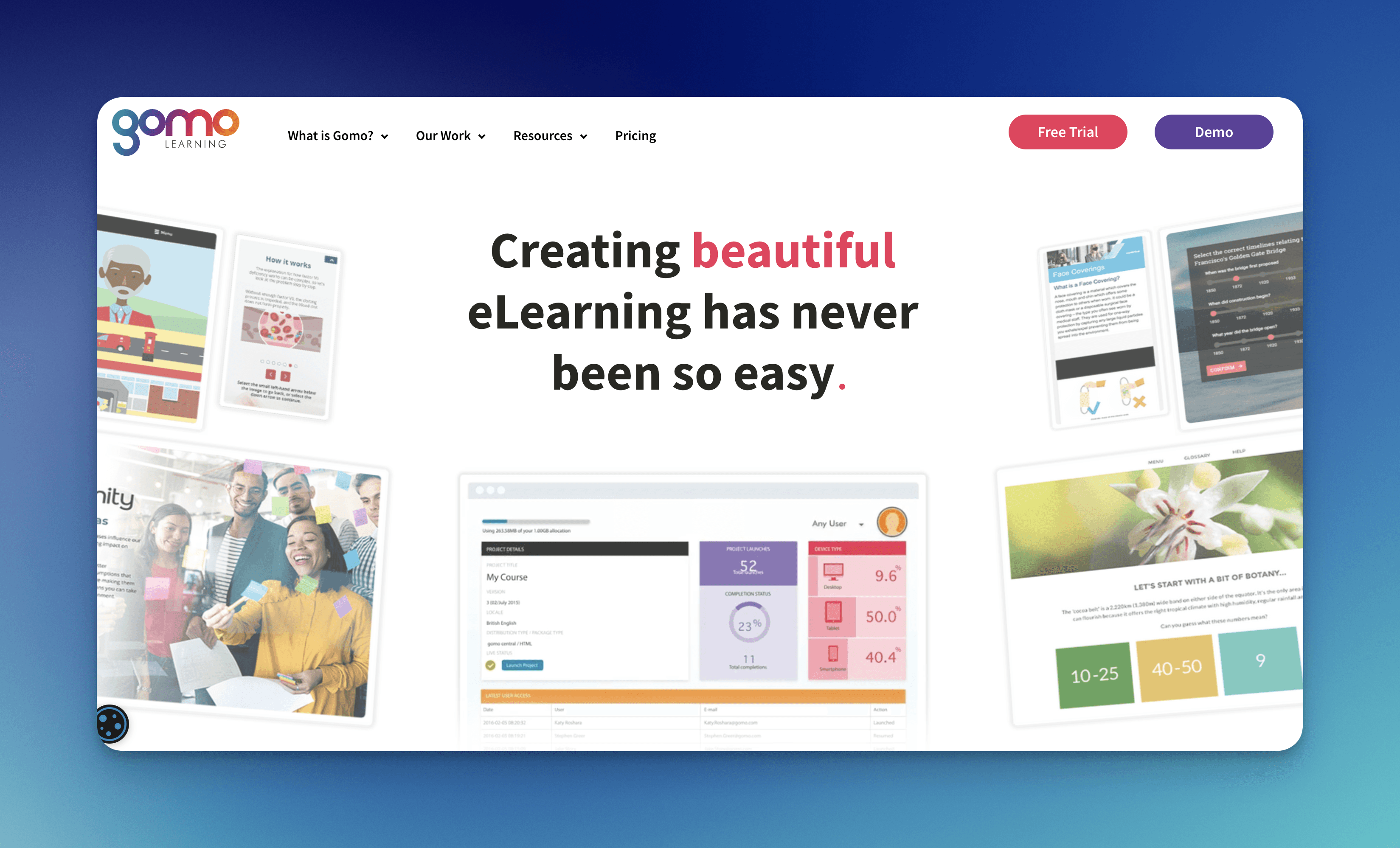
Gomo is a cloud-based authoring platform that prioritizes true responsive design, where courses automatically reflow and resize for any screen without separate mobile versions. Organizations with field workforces accessing training on varied devices benefit from Gomo's device-agnostic output.
Key features:
browser-based authoring with no software installation,
real-time collaboration with multiple authors editing simultaneously,
content blocks that snap together for rapid assembly,
built-in version control,
smart content suggestions,
automated accessibility checks,
microlearning support (templates designed for 3-7 minute lessons).
LMS integration covers SCORM 1.2/2004 and xAPI.
Pricing: ranges $1,200-1,800/user/year.
8. Elucidat
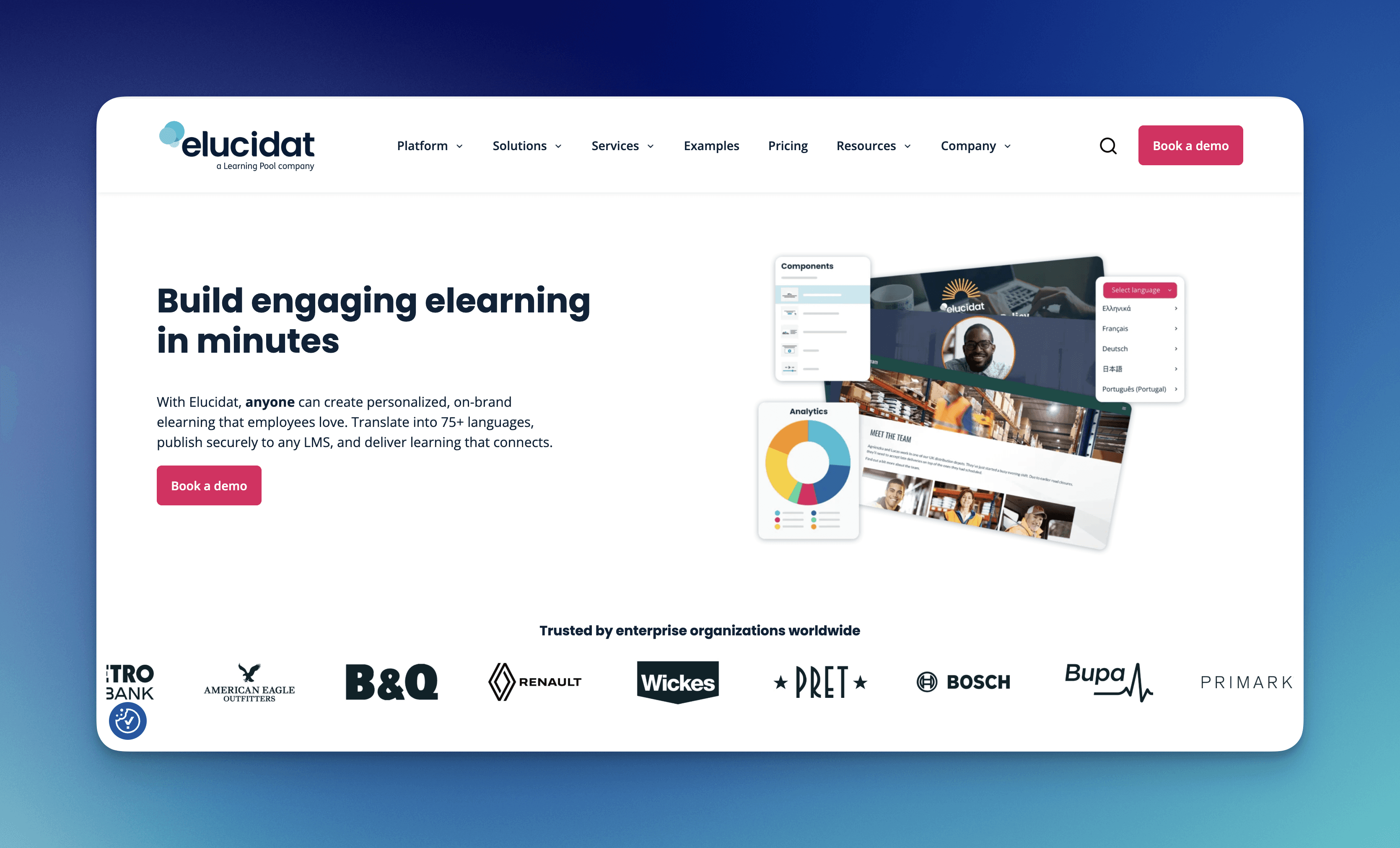
Elucidat is a cloud authoring platform built for large organizations producing hundreds of courses annually, with workflow automation, brand governance, and content reuse features that maintain consistency across distributed teams.
Enterprises with 50+ L&D professionals use Elucidat to standardize output quality.
Key features:
project templates that enforce brand standards,
component libraries for reusable interactions,
automated review workflows with approval gates,
analytics showing which course elements drive engagement,
content optimization suggestions based on learner behavior data,
automated accessibility remediation,
includes mobile-first templates,
progressive web app output.
LMS integration supports all major standards plus API connections for custom platforms.
Pricing: typically $15,000-30,000/year for team licenses.
9. dominKnow
dominKnow is a cloud platform that provides real-time collaboration, where multiple authors, reviewers, and subject matter experts work in the same project simultaneously without file locking or version conflicts. Organizations with geographically distributed L&D teams use dominKnow to eliminate email-based review cycles.
Key features:
flow-based authoring for responsive design,
shared asset libraries across projects,
inline commenting and approval workflows,
content branching for A/B testing,
automated translations,
smart content suggestions,
mobile-optimized templates,
modular content blocks.
LMS integration covers SCORM 1.2/2004, AICC, xAPI, and cmi5.
Pricing: starts at $997/user/year.
10. Easygenerator
Easygenerator is a cloud platform designed for non-L&D professionals: subject matter experts, managers, and team leads. With it, experts can create training without instructional design expertise. Organizations democratizing content creation use it to scale beyond centralized L&D bottlenecks.
Key features:
AI-powered course generation from documents and outlines,
simple drag-and-drop interface with minimal learning curve,
automatic mobile optimization,
built-in review workflows,
platform generates course structures,
assessment questions,
suggests improvements based on learning science principles,
microlearning support (templates defaulting to short-form content).
LMS integration supports SCORM 1.2/2004 and xAPI.
Pricing: starts at $79/user/month.
Why 87% of L&D teams now require AI features in authoring tools
87% of L&D professionals already use AI, with only 2% reporting no adoption plans. And 5 AI features matter most for corporate training authoring:
Content generation converts bullet-point outlines and existing documents into structured course scripts. This feature reduces writing time by 60-70%.
Automated translation provides accurate localization across 40+ languages without external vendor costs that typically run $0.15-0.25 per word.
AI voiceover generates natural-sounding narration in multiple languages and accents and easily eliminates the need for voice talent that costs $200-500 per finished hour.
Auto-generated assessments create quiz questions aligned with learning objectives.
Personalization engines analyze learner behavior and adapt content paths. That increases completion rates by serving relevant material based on role, skill level, and performance.
The business case is straightforward. When training hours per employee drop 21% in one year, L&D teams need force multipliers. AI provides that leverage by automating repetitive tasks. For example, writing quiz questions, translating content, recording narration.
That consume 40-50% of development time in traditional workflows. L&D team building 10 courses annually saves 400-600 hours through AI automation tools like Foxtery, equivalent to reclaiming a quarter of a full-time employee's capacity.
Bottomline: AI is a tool. It cannot replace human professional. Human oversight remains essential for accuracy, brand voice consistency, and learning design quality. AI generates first drafts and handles mechanical tasks. L&D professionals provide strategic direction, subject matter expertise, and quality control.
3 red flags that signal an authoring tool will waste your time
Red flag #1:
No free trial or hands-on demo. Vendors confident in their product allow prospects to test-drive functionality before purchase. Those requiring sales calls and custom quotes without trial access often hide usability problems, feature gaps, or technical debt. When 50% of learning leaders lack time for training development, organizations can't afford a 60-day learning curve discovering a tool doesn't match requirements.
Red flag #2:
Customer reviews consistently mention steep learning curves or technical skill requirements. Rapid authoring tools should enable course creation within 5-10 hours of training, not 40-60 hours. Reviews citing "requires HTML knowledge for customization" or "took our team 3 months to become proficient" indicate the platform contradicts its rapid authoring promise. Check G2, Capterra, and TrustRadius for patterns in negative reviews. Sure, one complaint is an outlier, but ten identical complaints signal a systemic issue.
Red flag #3:
Last major product update occurred 12+ months ago. In a market where 87% of L&D teams use AI and 72% have embedded microlearning, tools without recent feature releases are falling behind. Check vendor release notes and roadmap transparency. Stagnant products indicate companies in maintenance mode rather than active development, which means emerging requirements - AI integration, mobile optimization, new LMS standards - won't be supported.
Bonus red flag:
Vendor can't provide customer case studies with specific metrics. Claims of "faster course development" without quantified time savings, or "improved engagement" without completion rate data, suggest weak track records. Legitimate tools have customers willing to document results. Missing case studies indicate either a new product with no proven deployments or an established product that doesn't deliver measurable value.
Conclusion
When half of learning leaders can't find bandwidth for training development and training hours per employee dropped 21% in one year, the right platform isn't the one with the most capabilities. It's the one that compresses 80-hour development cycles into 8-hour sprints without sacrificing quality standards organizations require for professional training.
So, if your goal to launch professional training in 30 minutes rather than 30 days… Foxtery platform is always there for you to try it out.

